How to password protect several PDFs at once on iPhone and iPad
Sending a batch of documents to an accountant, a lawyer or HR? Protecting each one separately takes time, and it's easy to forget one. One password for the whole set keeps them all safe and easy to open for the right person.

Why protect documents before sending them
Emails get forwarded, attachments end up in shared folders, phones get lost. A password on a PDF means that only someone who knows it can read the document, wherever the file ends up.
A good password
Use at least 8 characters, mixing letters, numbers and a symbol, and avoid names or birth dates. Share it through a different channel from the files, and keep a copy where you’ll find it.
The simplest way to protect many PDFs on iPhone and iPad
Protect several PDFs in Unlock my PDF adds the same password to every file you choose, in one go. Each PDF then asks for that password before it opens.
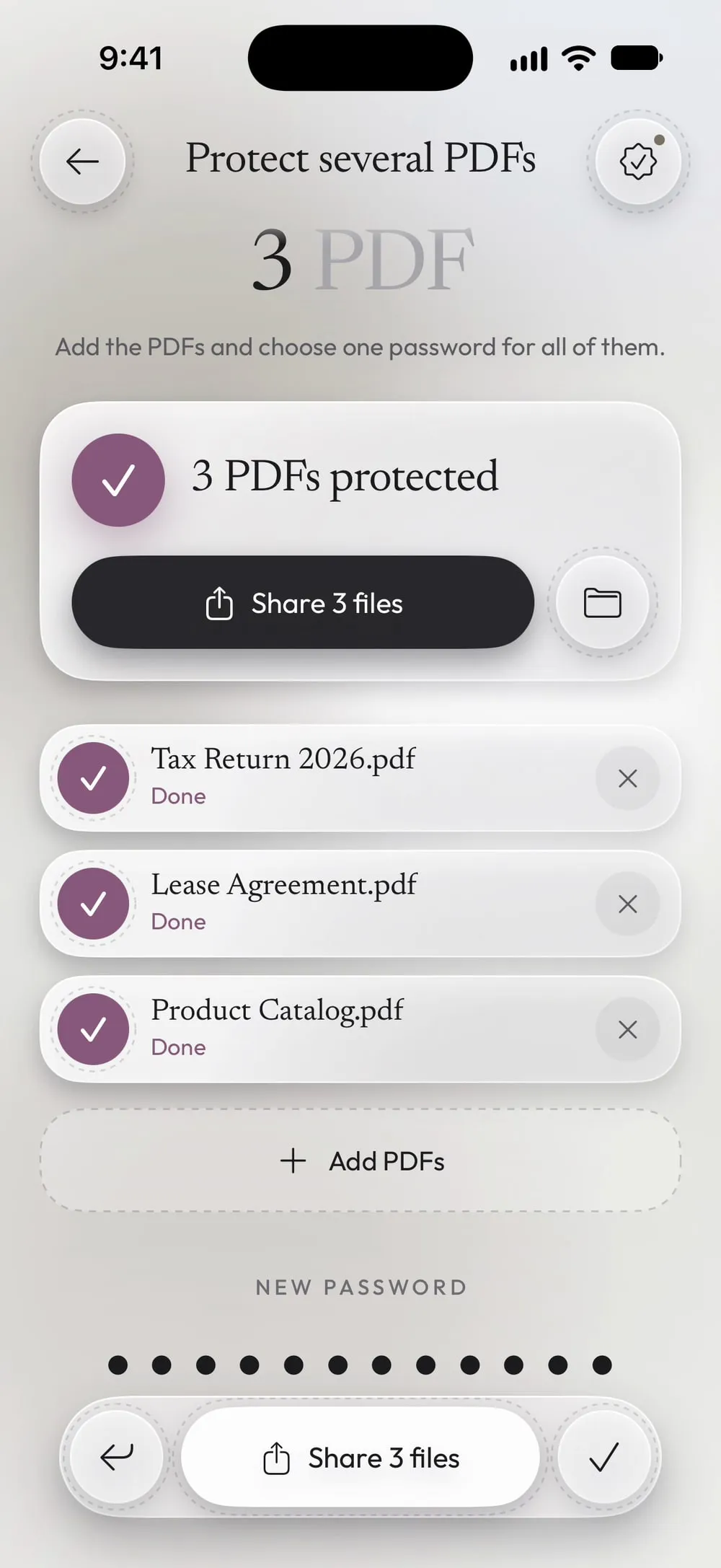
The full flow · 28 s
How to password protect several PDFs at once
Step 01 of 04
Open Protect several PDFs
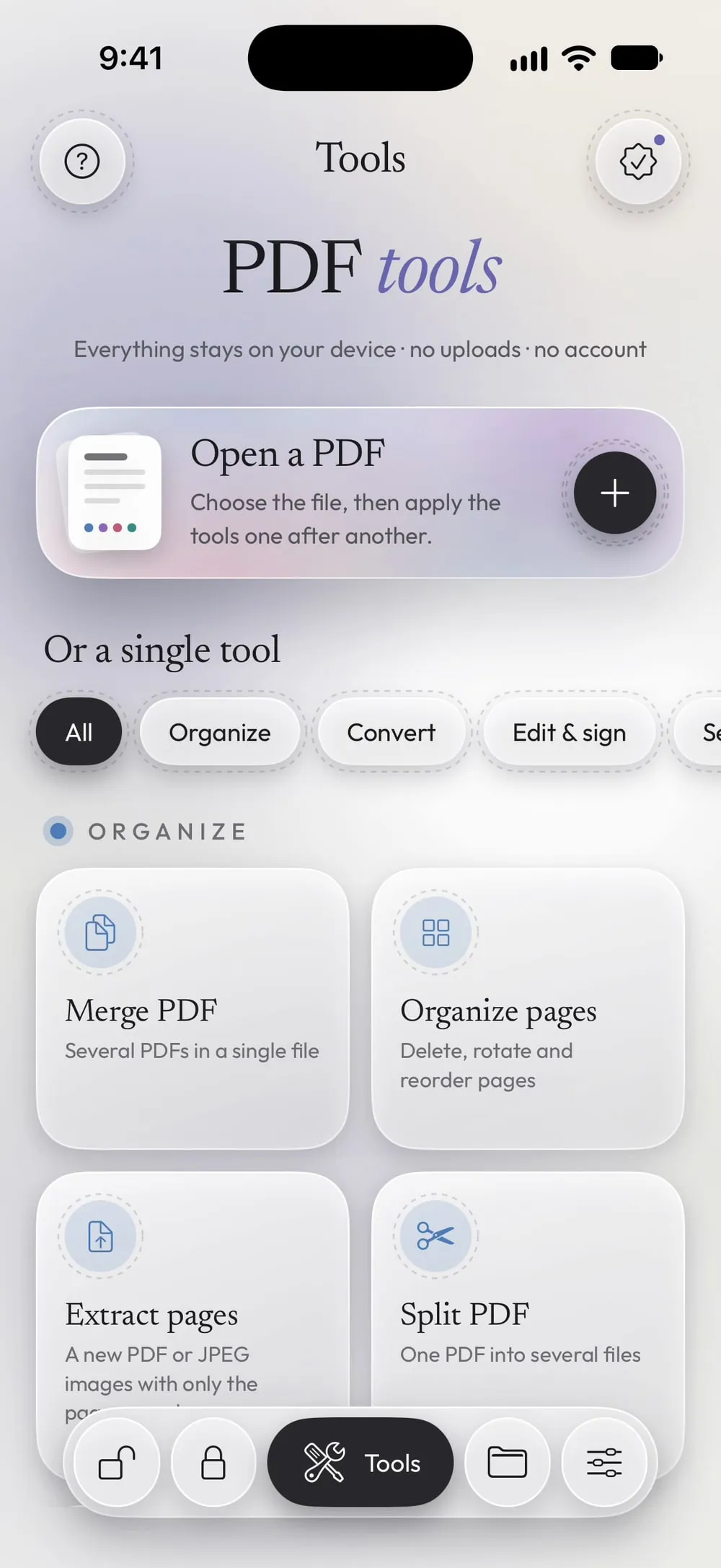
In the Tools tab, tap Protect several PDFs. Add the PDFs and choose one password for all of them.
Step 02 of 04
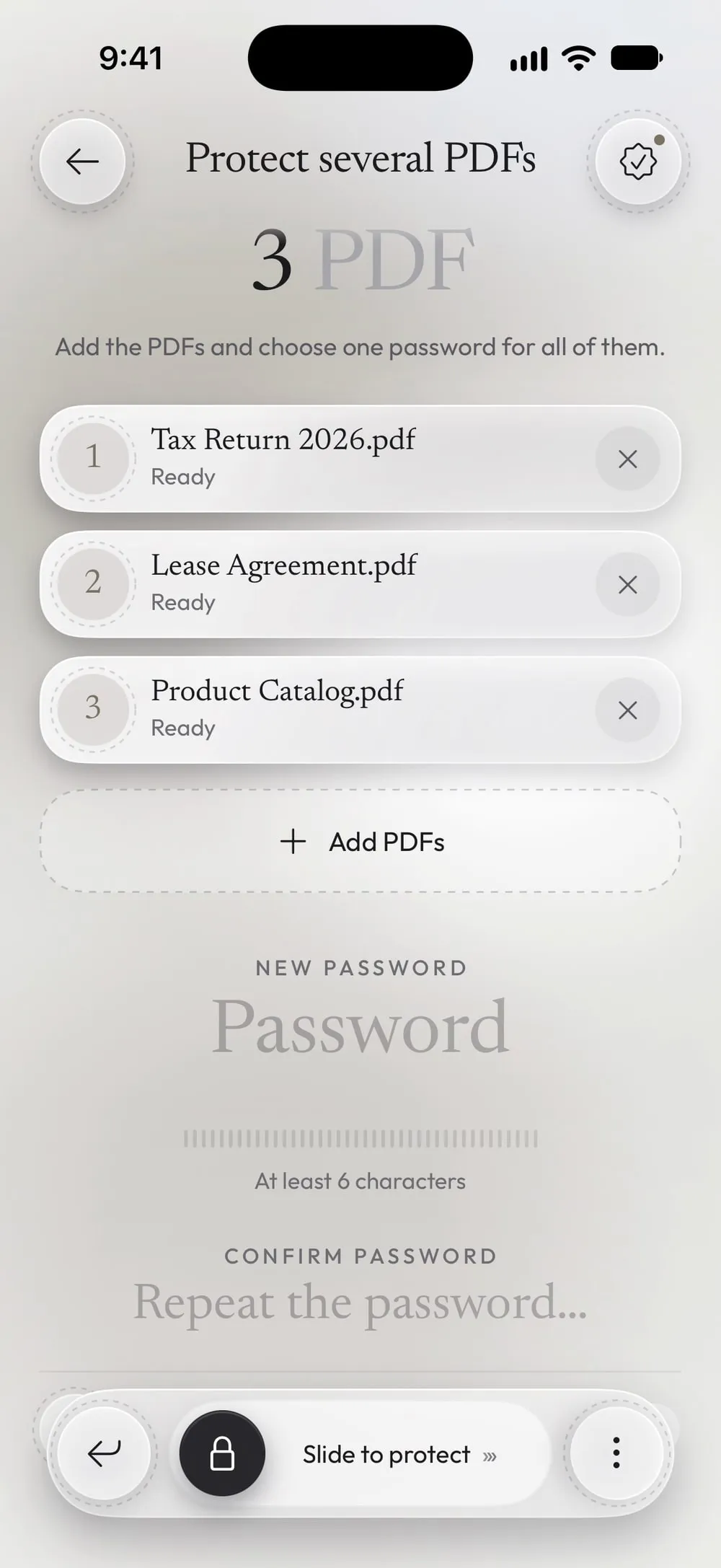
Add the PDFs
Tap Add PDFs, choose Files and select all the files at once.
Step 03 of 04
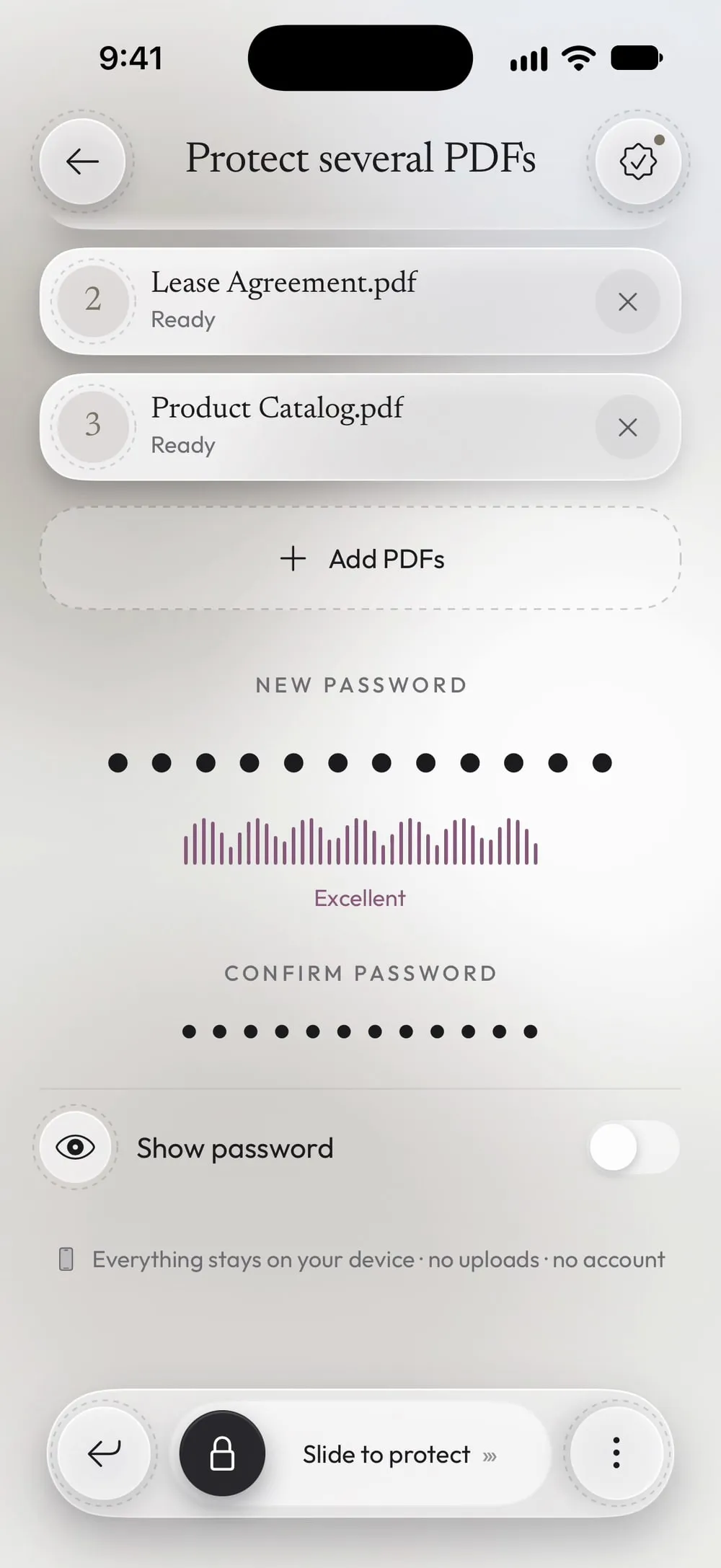
Choose one password
Type it in New password and again in Confirm password. The bar under the field shows how strong it is.
Step 04 of 04
Slide to protect them all
Drag Slide to protect. Share the protected files together or tap Save to Files.
Steps
-
In the Tools tab, tap Protect several PDFs. Add the PDFs and choose one password for all of them.
-
Tap Add PDFs, choose Files and select all the files at once.
-
Type it in New password and again in Confirm password. The bar under the field shows how strong it is.
-
Drag Slide to protect. Share the protected files together or tap Save to Files.
Good to know
Send the password separately
Email the files and send the password by text or phone call: if one message goes to the wrong person, the documents stay closed.
Files that already have a password
They show Already protected: skipped and keep their own protection.
Find them again later
Every protected copy also goes to Library, under Protected.
Questions
Which encryption does it use?
AES with a 128-bit key, which every PDF reader can open with the password.
Can each file have a different password?
In this tool all files get the same password. To give one file its own password, use Protect on that file.
Is it free?
Protect several PDFs is a PRO tool, included in Premium. With the free version you can protect 3 PDFs a day, one at a time.
Are my files uploaded?
No. The files are encrypted on your iPhone or iPad.