How to remove metadata from a PDF on iPhone and iPad
Besides what you see on the page, a PDF carries hidden details: who wrote it, which program made it, when it was created and last changed. Before sharing a document, you may not want to share those too.

What a PDF says about you
Word processors and scanners write details into every PDF: your name or your company’s as author, the document’s working title, the program and its version, and the exact date and time it was made. Anyone can read them in a file’s properties.
When to remove them
It matters when a document leaves your hands: a CV sent to a company, a quote to a client, a file posted online. Removing the metadata shares the content without the story behind it.
The simplest way to remove PDF metadata on iPhone and iPad
Remove metadata in Unlock my PDF shows the hidden details it finds in the file, such as author, program and dates, and saves a clean copy without them.
The full flow · 23 s
How to remove metadata from a PDF
Step 01 of 03
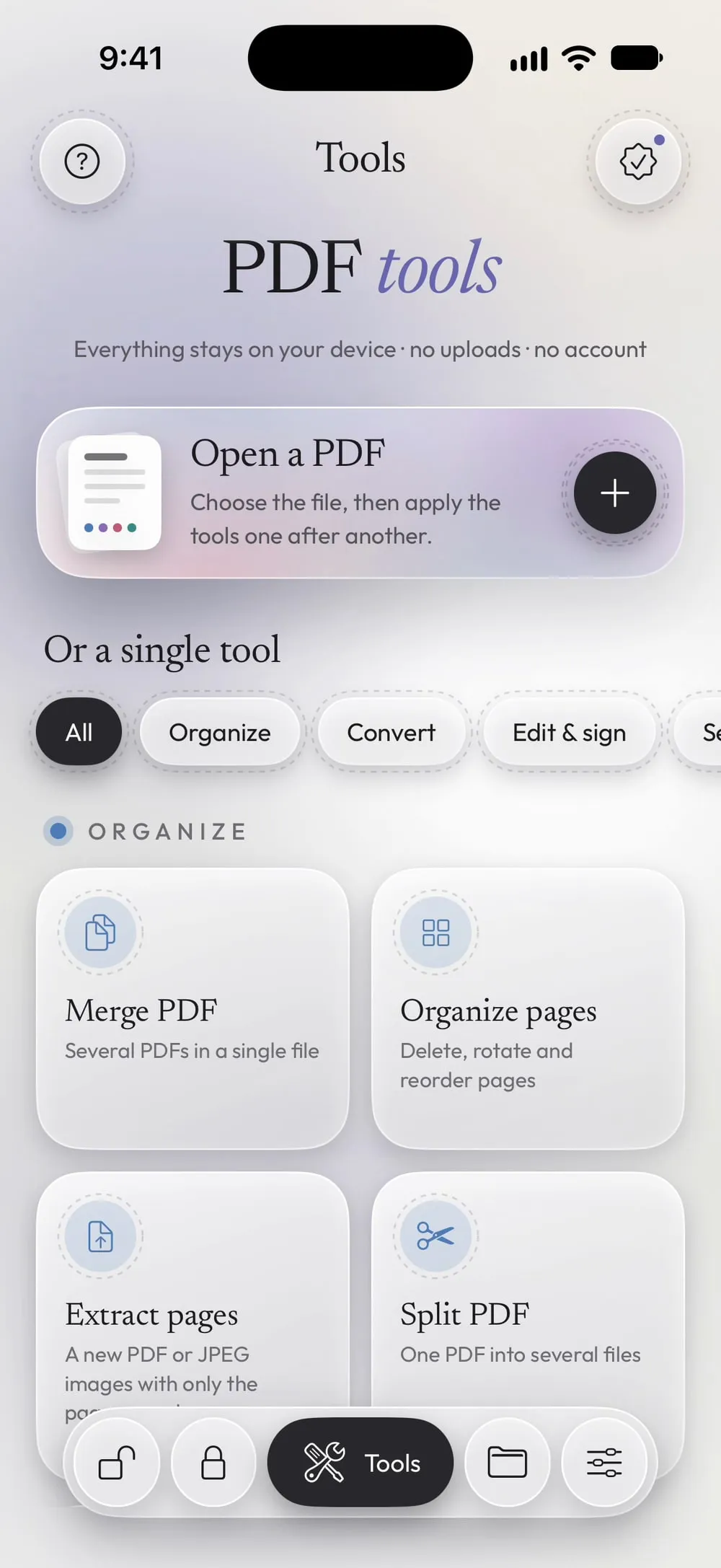
Open Remove metadata and choose the PDF
In the Tools tab, tap Remove metadata, then Tap to choose, and pick the PDF from Files.
Step 02 of 03
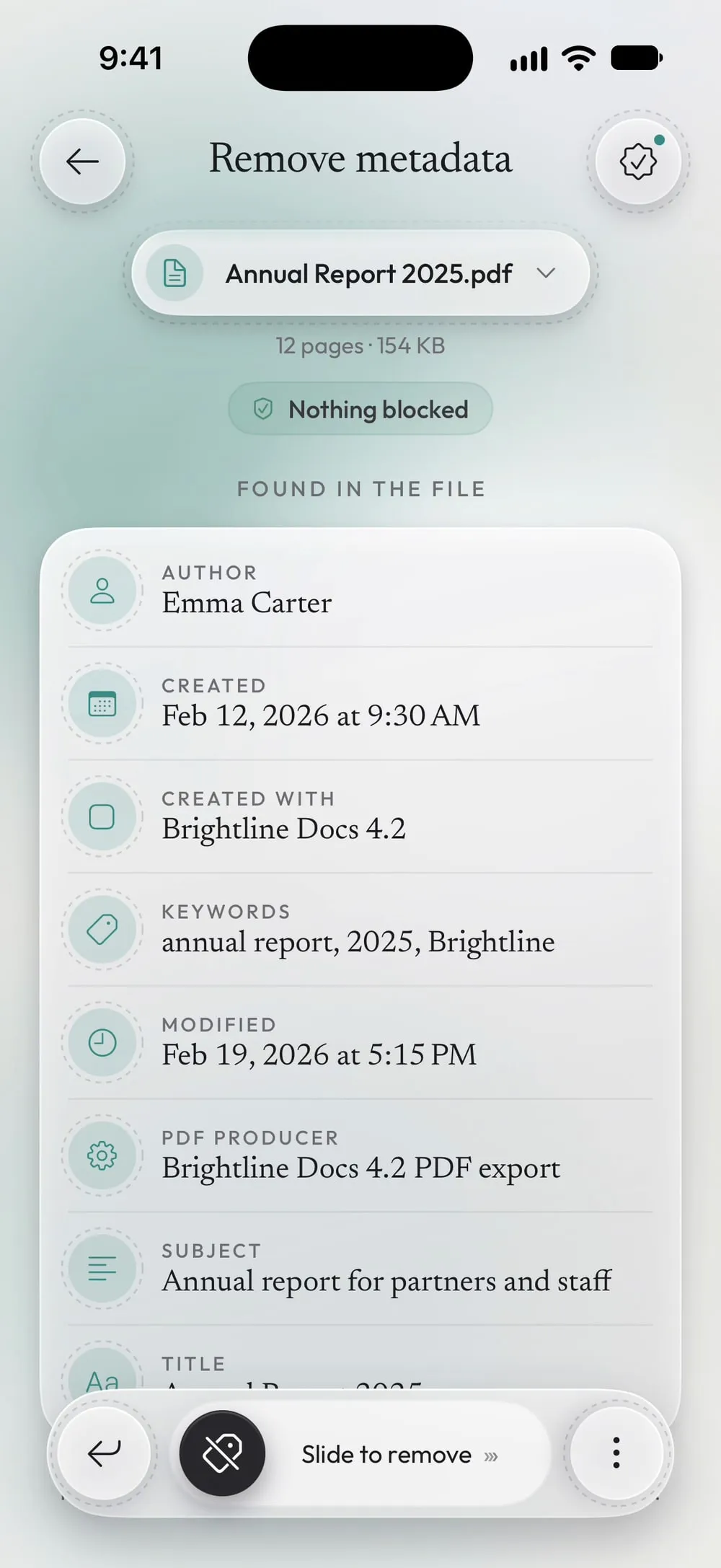
See what's in the file
Under Found in the file you see every detail, such as Author, Created with, Created and Modified.
Step 03 of 03
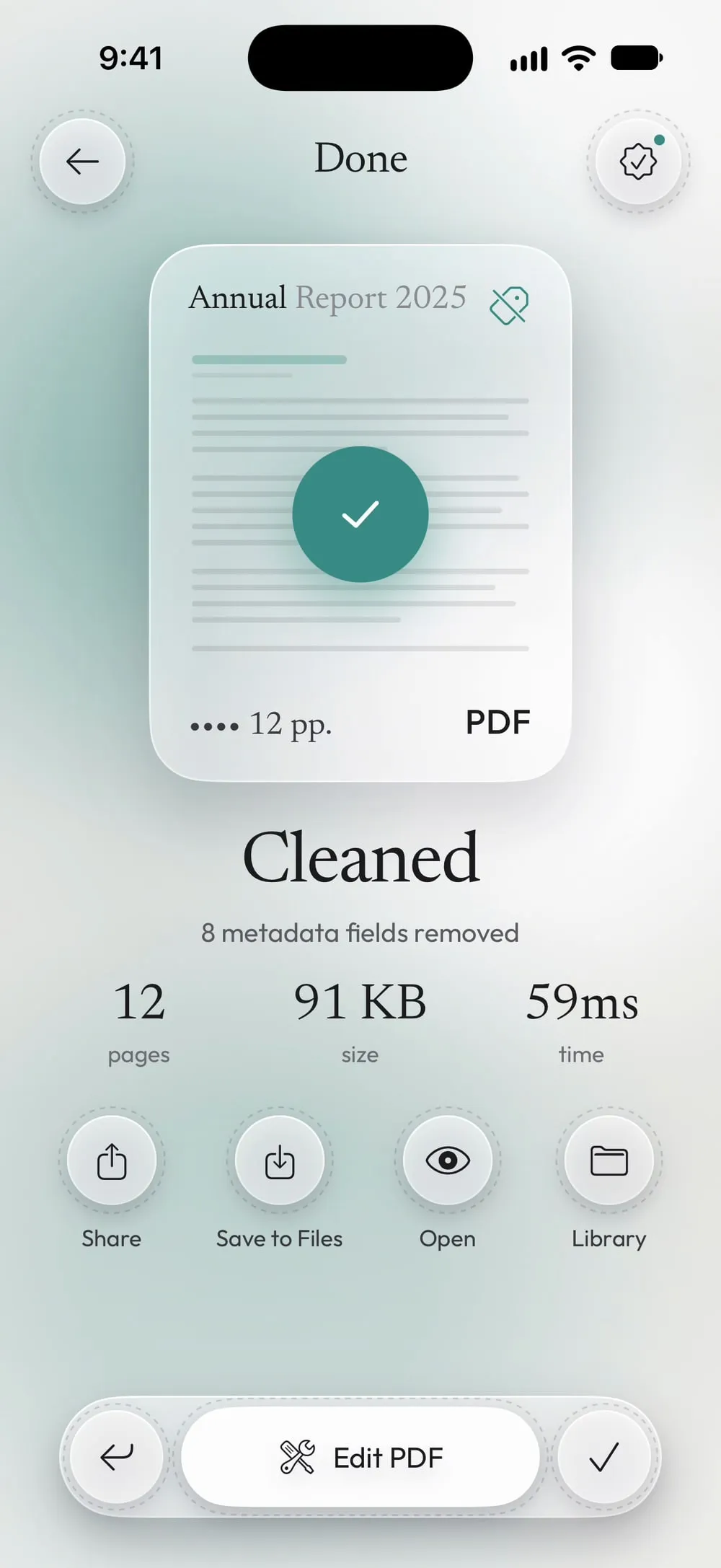
Slide to remove them
Drag Slide to remove. Share the clean PDF or tap Save to Files. The original keeps its details.
Steps
-
In the Tools tab, tap Remove metadata, then Tap to choose, and pick the PDF from Files.
-
Under Found in the file you see every detail, such as Author, Created with, Created and Modified.
-
Drag Slide to remove. Share the clean PDF or tap Save to Files. The original keeps its details.
Good to know
What stays
iOS may add the name of the program that saves the PDF. That's normal and says nothing about you.
Hide what's on the page too
Metadata is only the hidden part. To hide names or numbers written in the document, use Redact.
Before sharing widely
Clean the metadata of documents you publish or send to people you don't know, such as CVs, offers and reports.
Questions
What is PDF metadata?
Information saved inside the file but not shown on the page: title, author, subject, keywords, the program that made the PDF, and the dates it was created and changed.
Does removing it change the pages?
No. Text, images and layout stay exactly the same.
Is it free?
Remove metadata is a PRO tool, included in Premium. The app shows the PRO label before you start, never after the work is done.
Are my files uploaded?
No. The metadata is removed on your iPhone or iPad.