How to add a watermark to a PDF on iPhone and iPad
A draft that mustn't be mistaken for the final version, a confidential report, a copy of your ID sent for one specific purpose: a watermark on every page makes it clear what the document is and what it's for.

What a watermark is for
A watermark is text printed lightly across the page. It tells whoever reads the document that it’s a draft, that it’s confidential, or that a copy was made for one purpose only. It stays visible when the PDF is forwarded or printed.
Make it useful
Use a few clear words, and add a date or a purpose when the copy is meant for one recipient. Keep it light enough that the page underneath is still easy to read.
The simplest way to watermark a PDF on iPhone and iPad
Watermark in Unlock my PDF writes the text you choose across every page: diagonal or repeated, in gray, red or blue, as large and as transparent as you like, with a live preview.
The full flow · 25 s
How to add a watermark to a PDF
Step 01 of 04
Open Watermark and choose the PDF
In the Tools tab, tap Watermark, then Tap to choose, and pick the PDF from Files.
Step 02 of 04
Write the watermark text
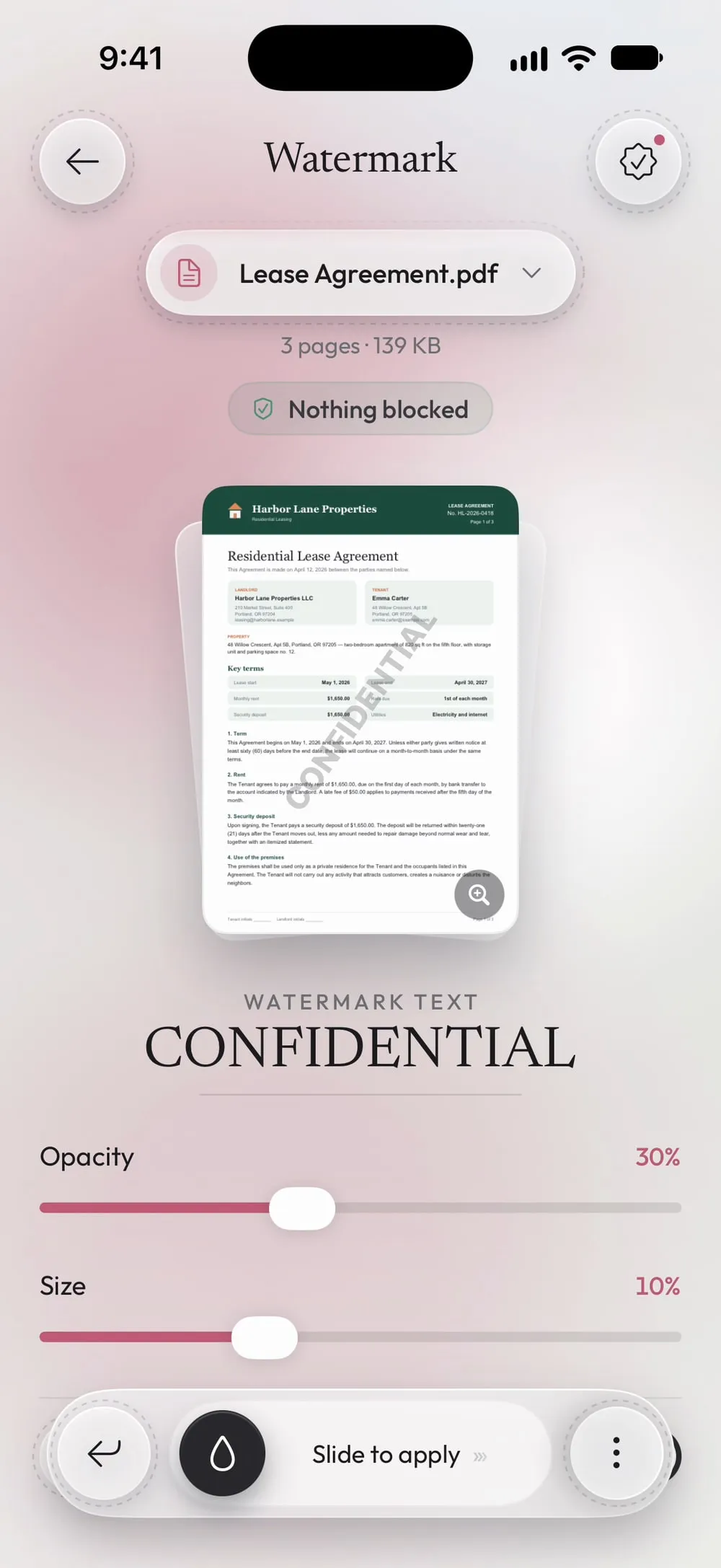
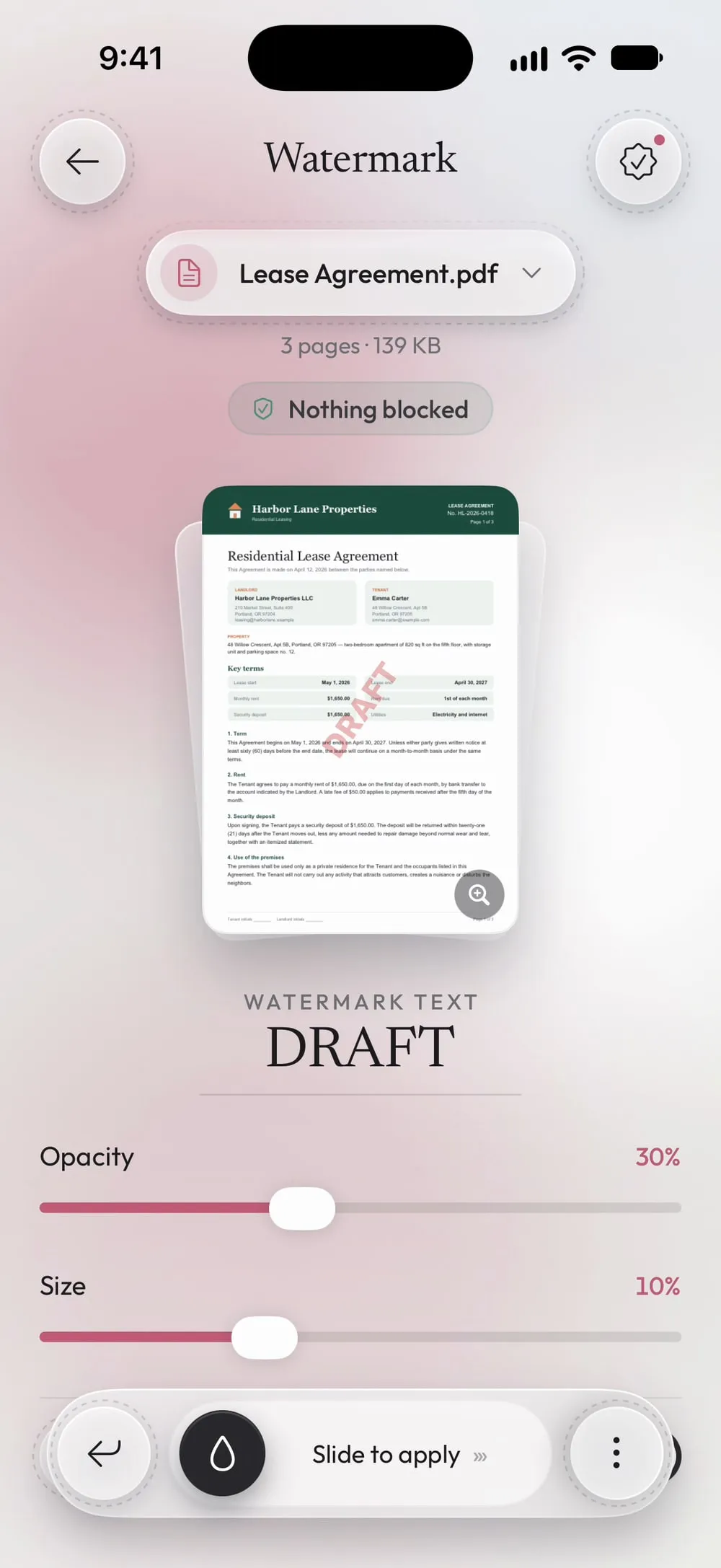
The field starts with CONFIDENTIAL. Replace it with your own text, such as DRAFT or "Copy for the rental agency only".
Step 03 of 04
Choose how it looks
Set Opacity and Size, pick a Color, and choose Diagonal or Repeat across the page. The preview shows the first page as it will be.
Step 04 of 04
Slide to apply
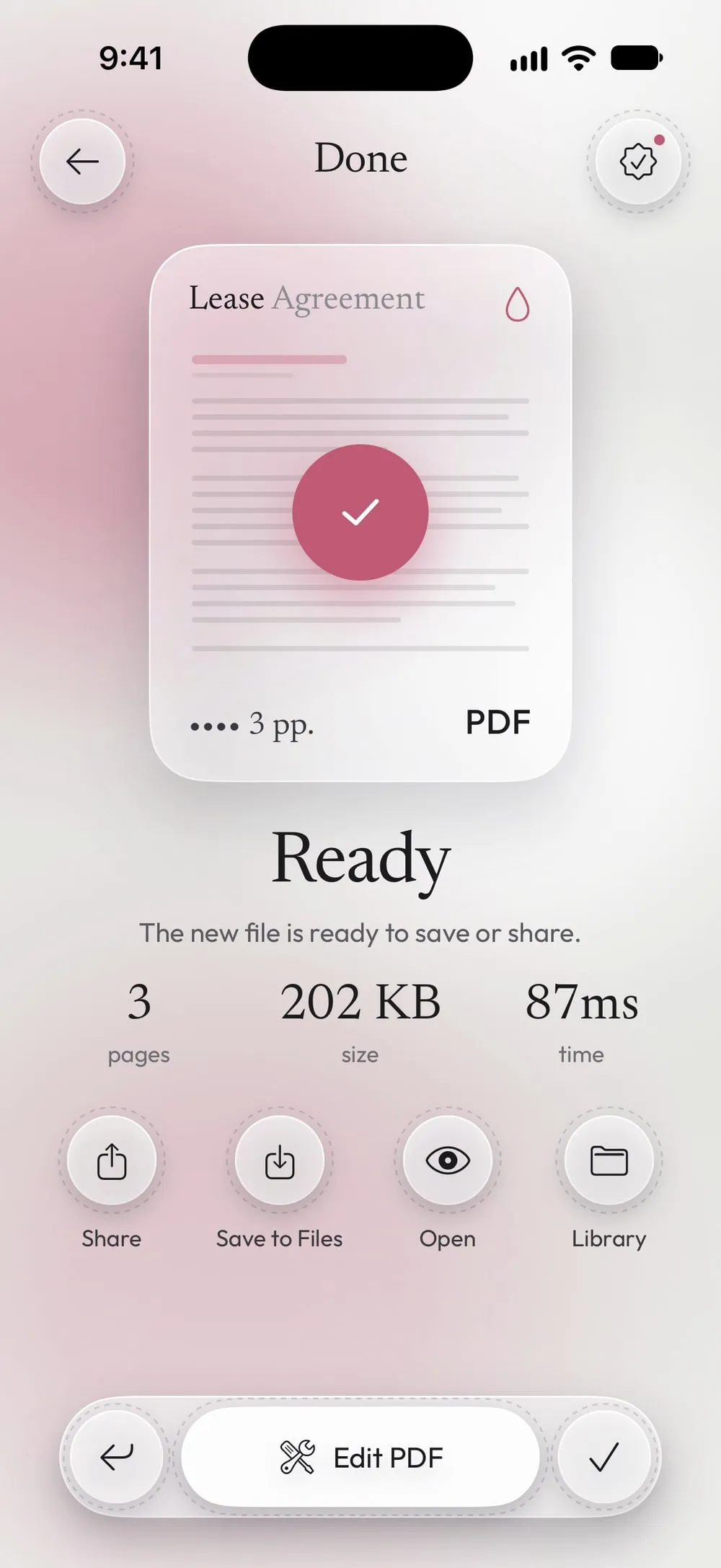
Drag Slide to apply. Every page gets the watermark; share the new PDF or tap Save to Files.
Steps
-
In the Tools tab, tap Watermark, then Tap to choose, and pick the PDF from Files.
-
The field starts with CONFIDENTIAL. Replace it with your own text, such as DRAFT or "Copy for the rental agency only".
-
Set Opacity and Size, pick a Color, and choose Diagonal or Repeat across the page. The preview shows the first page as it will be.
-
Drag Slide to apply. Every page gets the watermark; share the new PDF or tap Save to Files.
Good to know
Watermark copies of your ID
When you send a copy of an ID or a passport, a repeated watermark with the purpose and the date makes it much harder to reuse for anything else.
Check every page
Tap the preview to see all the pages with the watermark, and make sure it doesn't hide anything important.
Light is enough
An opacity around 20–30% is visible but leaves the text underneath easy to read.
Questions
Can I use an image as a watermark?
Watermark uses text. To put a logo or a stamp on a page, use Add text or image.
Can the watermark be removed?
It's drawn into the pages of the new PDF, not added as a separate layer, so it can't simply be deleted.
Is it free?
Watermark is a PRO tool, included in Premium. The app shows the PRO label before you start, never after the work is done.
Are my files uploaded?
No. The watermark is added on your iPhone or iPad.